
Mobile ordering
How the phone experience works.
Put a QR code on a table, counter, window or flyer and let guests open your menu and order from their own phone.
Capabilities and availability can vary by region and setup. We confirm exactly what applies to you during a demo.
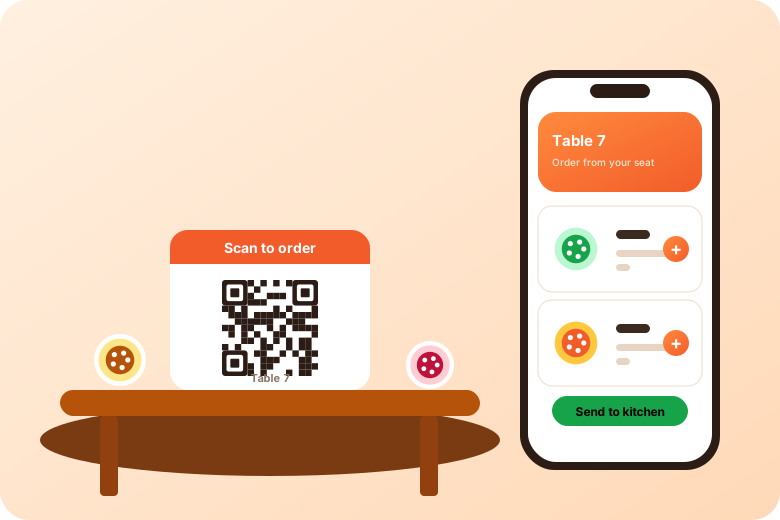
QR codes make ordering possible at the table, at a walk-up window, at an event or from a printed flyer. Here is how we think about using them well.
Place a code on each table so guests can browse the menu and send an order without waiting for staff to come over.
For pickup-focused service, a code at the counter or window lets guests order ahead or while queueing.
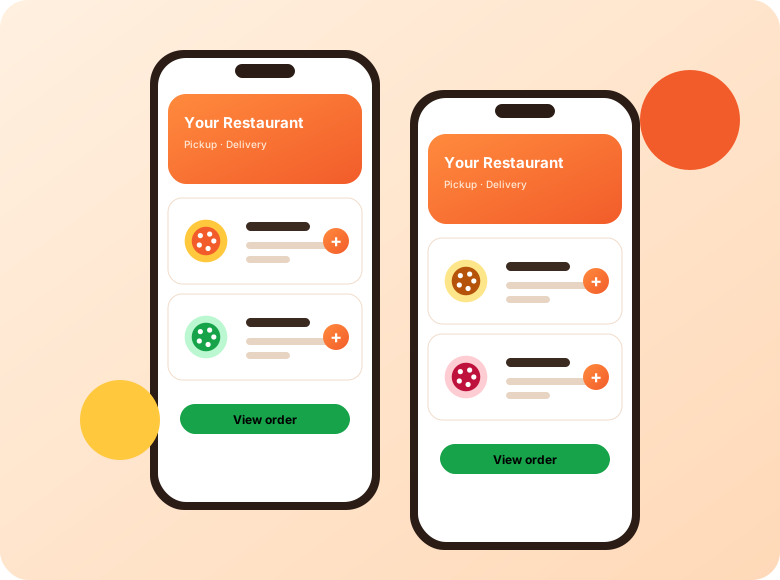
Add your ordering code to flyers, menus, receipts or social posts so guests can reach your menu in one scan.
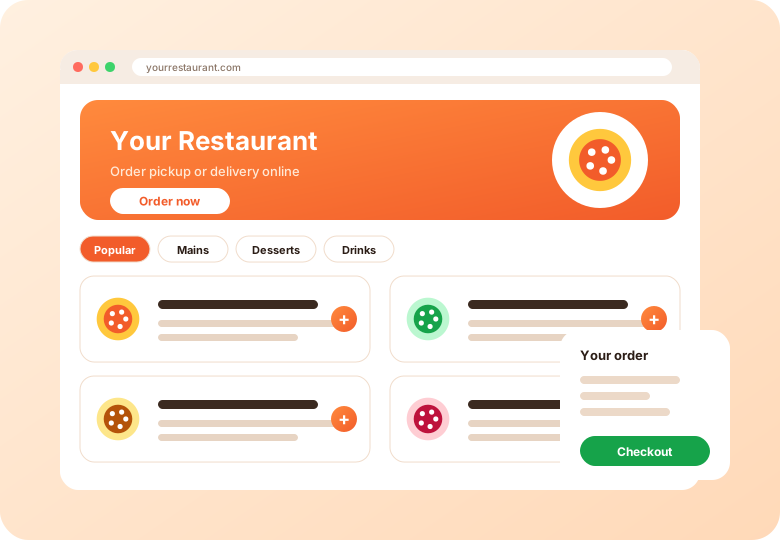
It depends on how you want to run service. Table-specific codes can help staff know where to deliver. Ask for a demo to see what suits your setup.
Keep a spare set, and check codes regularly. Always put a short link beneath the code as a fallback.
No. Scanning a code opens your ordering page in the phone's browser.
How the phone experience works.
How QR orders reach the line.
QR ordering for counters.
Tell us about your restaurants and we will walk you through the platform.
Get a demo