
Mobile ordering
How guests order from their phones.
Give guests a clear menu, a simple cart and a checkout that works on any screen, on your own site or on an ordering page you share by link.
Capabilities and availability can vary by region and setup. We confirm exactly what applies to you during a demo.
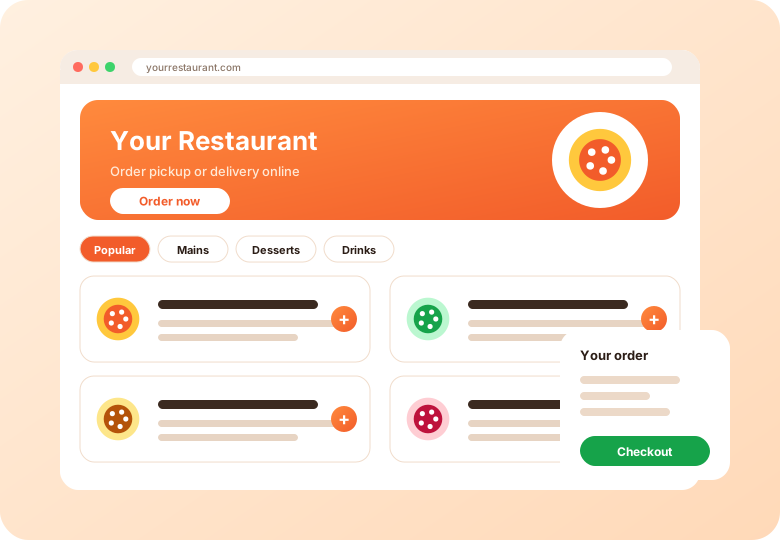
When guests order from your website or link, the experience carries your name. This page covers what that looks like and what to check when you add ordering to your site.
Present your menu with categories, photos, descriptions, options and add-ons. Guests build an order and see what they are choosing before they check out.
Add ordering to a site you already have, or use a standalone ordering page. Either way, the same menu and settings apply.
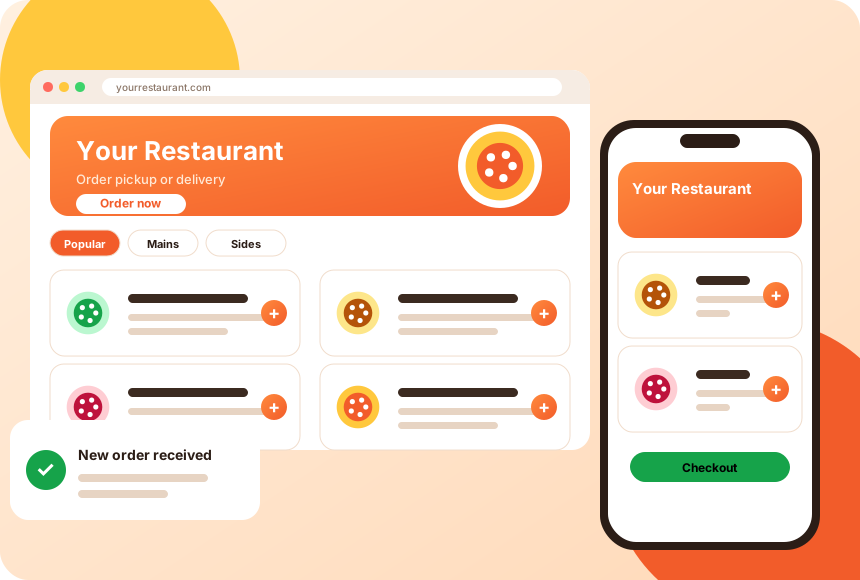
One ordering link can be used on your website, social bios, messages and printed QR codes. You can also add it to your Google Business Profile where eligible.
Yes. Ordering can be added to an existing website or used as a separate page.
Ordering pages are designed to be mobile-friendly. See the mobile ordering page.
Google Business Profile supports ordering links for eligible businesses and regions. See our guide on choosing an ordering system for the source and details.
How guests order from their phones.
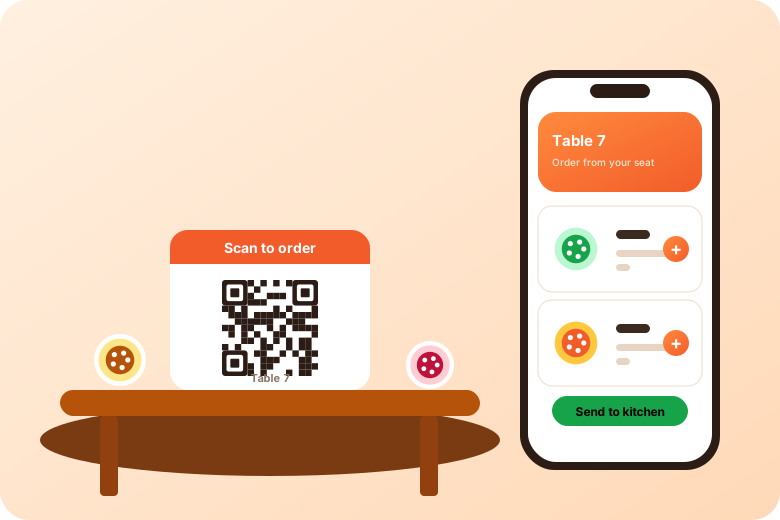
Let guests order from a code on the table or counter.
Questions to ask any vendor.
Short videos from the AIOrders YouTube channel, loaded from YouTube only when you press play.
How the AIOrders Video Menu works: bestsellers play as short videos inside the menu beside the name, price and order button, using a live restaurant menu as the example.
AIOrders YouTube channel, 2026-07-14, 1:15. Watch on YouTube
How AI SEO works: the AI reads a menu and generates a dedicated search-optimized page for every dish, explained with a live restaurant example in Surrey, BC.
AIOrders YouTube channel, 2026-07-13, 1:47. Watch on YouTube
Tell us about your restaurants and we will walk you through the platform.
Get a demo