
Online ordering checklist
A practical list to work through before and after launch.
Online ordering should not feel like a big IT project. Here is the path from a first chat to guests placing orders and your kitchen receiving them.
Capabilities and availability can vary by region and setup. We confirm exactly what applies to you during a demo.
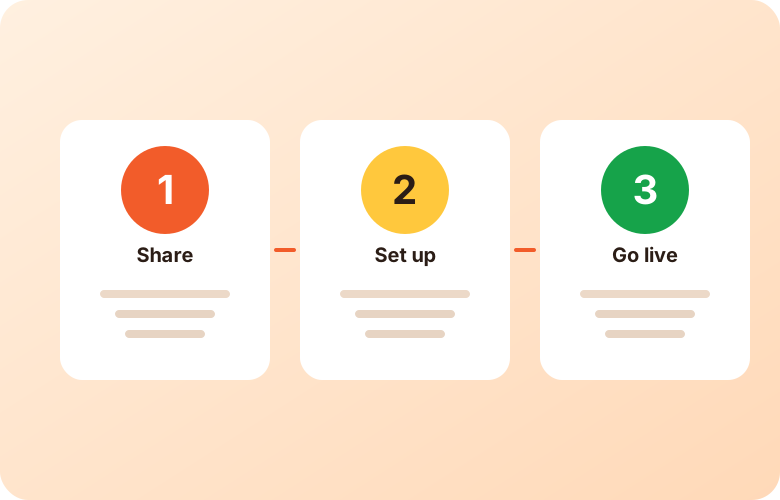
An online ordering system lets guests place pickup or delivery orders through a website, link or QR code, and sends those orders to your restaurant to prepare. This page explains how we typically approach setting it up with you.
We start with a conversation: your locations, menu, whether you offer pickup, delivery or both, and how orders should reach your kitchen.
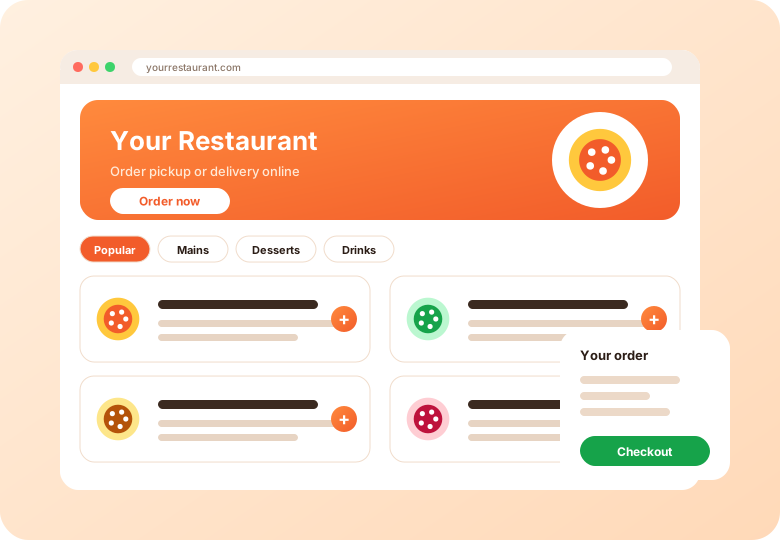
Your categories, items, options and add-ons are configured, along with order types, timing, payment setup and any offers. We confirm what is available in your region.
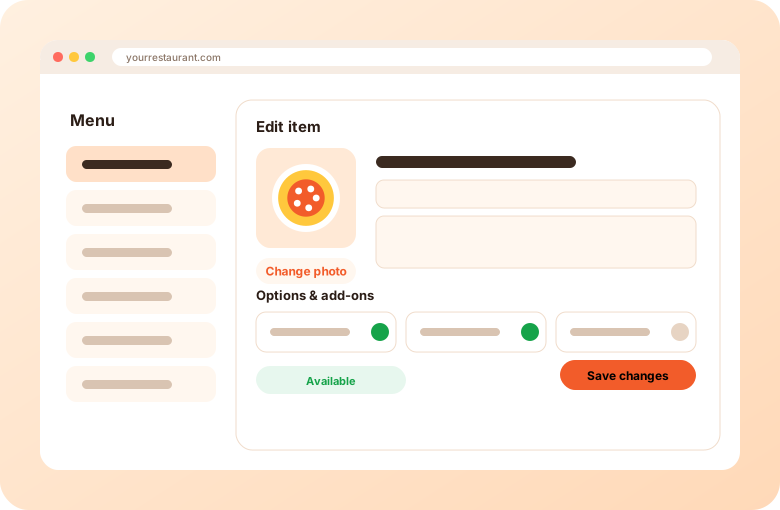
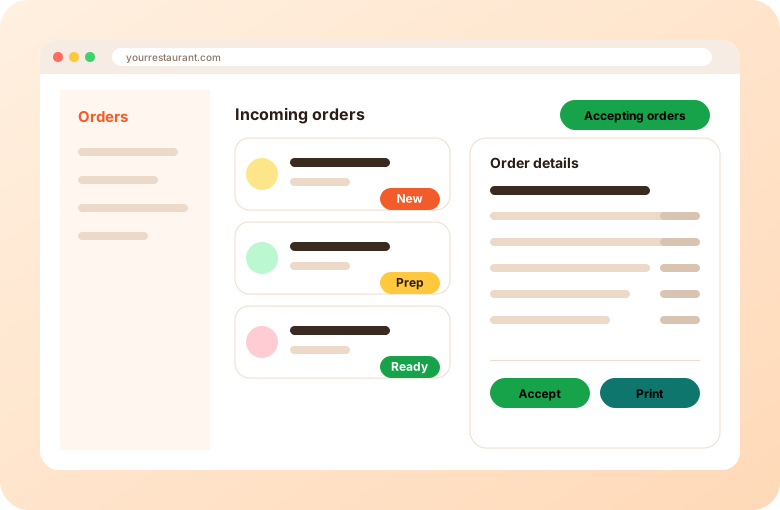
Share your ordering link on your website, social profiles and QR codes. Orders arrive in your dashboard and can go to a printer or kitchen screen.
It depends on your menu size, locations and the options you need. We can give you a realistic view during a demo; we do not promise a fixed time here.
No. Ordering can be added to an existing website, or guests can use a mobile-friendly ordering page you share by link or QR code.
Ask during your demo how your existing menu can be moved over. See our checklist for what to gather in advance.
A practical list to work through before and after launch.
How menus, options and availability are handled.
Tell us about your restaurant.
Short videos from the AIOrders YouTube channel, loaded from YouTube only when you press play.
How an order placed on an ordering page (pickup, delivery or dine-in) lands in Clover as a new order with items, modifiers and order type, with no separate tablet and a one-time authorization.
AIOrders YouTube channel, 2026-09-01, 0:47. Watch on YouTube
A full walkthrough of the AIOrders dashboard: live metrics, orders from every channel, video menu, automated offers, catering requests, influencers, AI SEO and jobs.
AIOrders YouTube channel, 2026-08-03, 4:10. Watch on YouTube
Tell us about your restaurants and we will walk you through the platform.
Get a demo