Online ordering
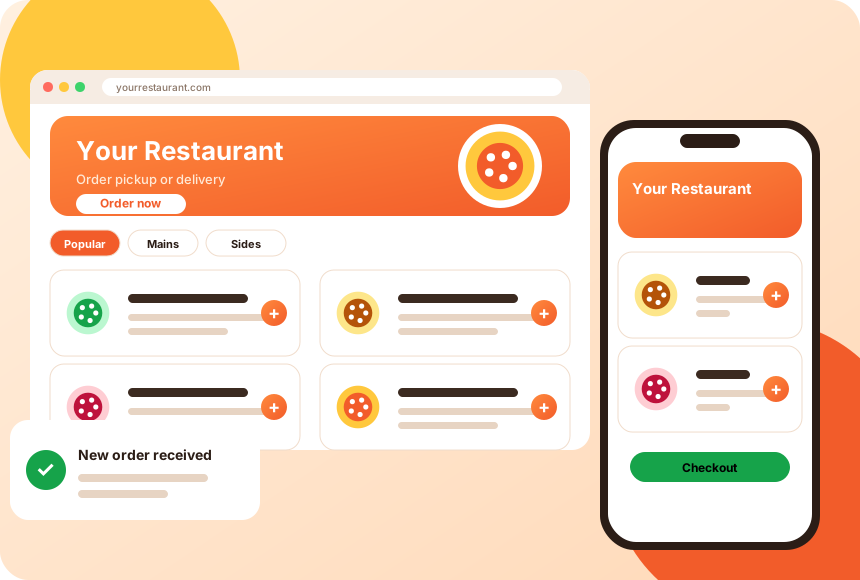
Let guests browse your menu and place pickup or delivery orders online, any time your kitchen is open, with orders flowing straight to your team.
The tools restaurants use to take, manage and fulfil online orders, described in plain terms. Ask for a demo to see how each works in practice.
Let guests browse your menu and place pickup or delivery orders online, any time your kitchen is open, with orders flowing straight to your team.
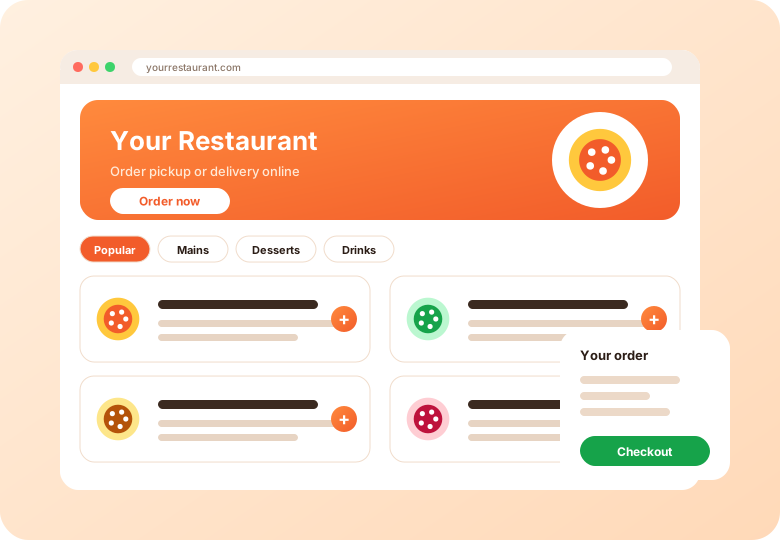
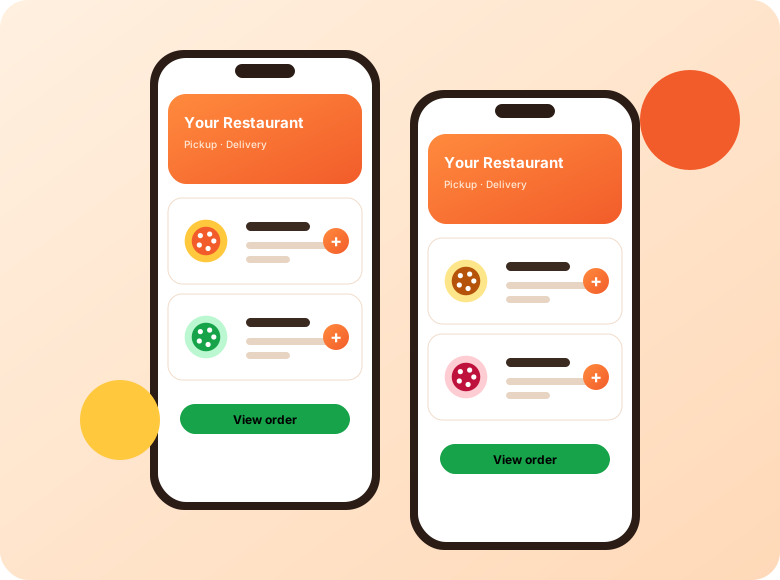
Add ordering to your existing website, or give customers a mobile-friendly ordering page that works on any phone without an app download. Branded app options can be discussed on a demo.
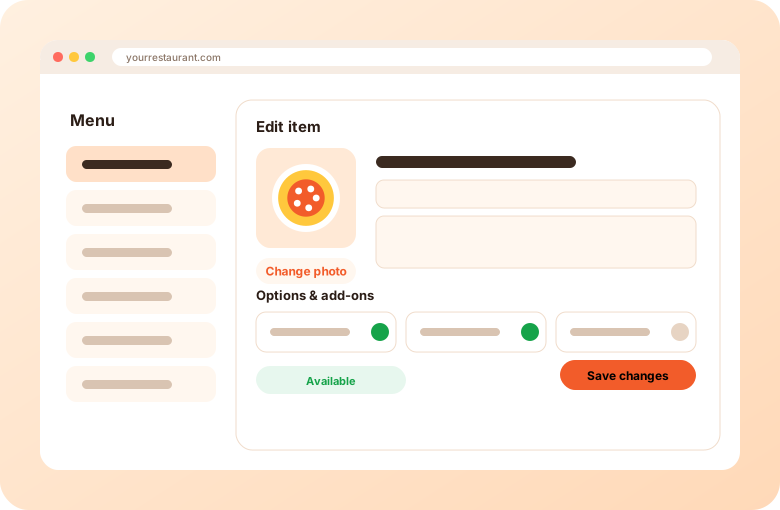
Organize categories, items, options and add-ons in one place. Update availability and descriptions as your kitchen changes.
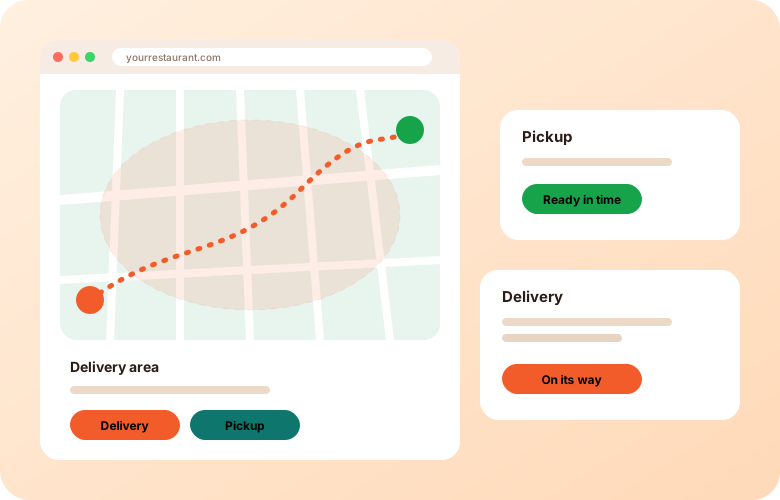
Offer pickup, delivery or both. Set service areas, order timing and notes so the kitchen knows what to expect.
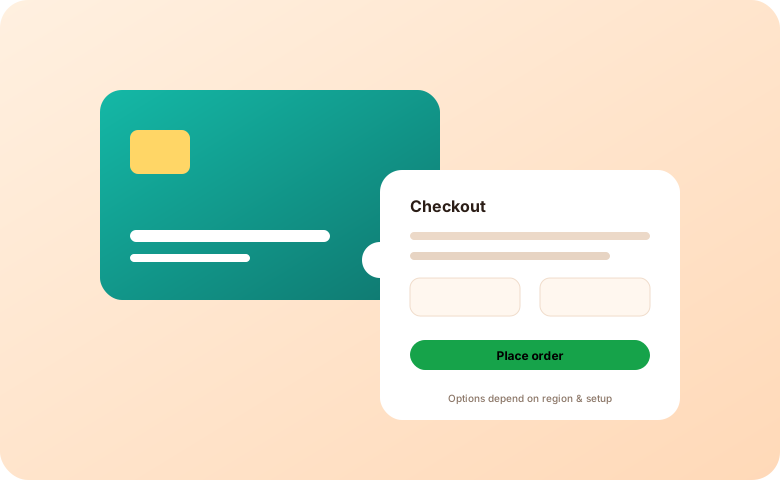
Give guests ways to pay online or at handoff, depending on how you want to run each location. Available payment options depend on your region and setup.
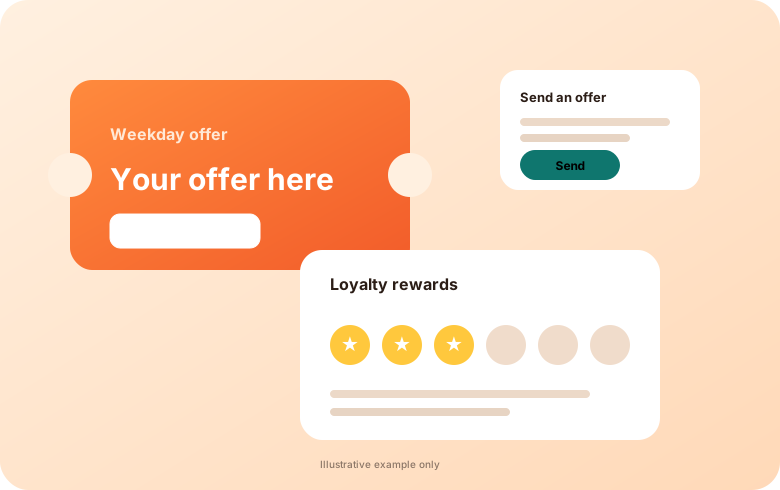
Create offers and coupon codes to encourage repeat orders and fill quieter periods.
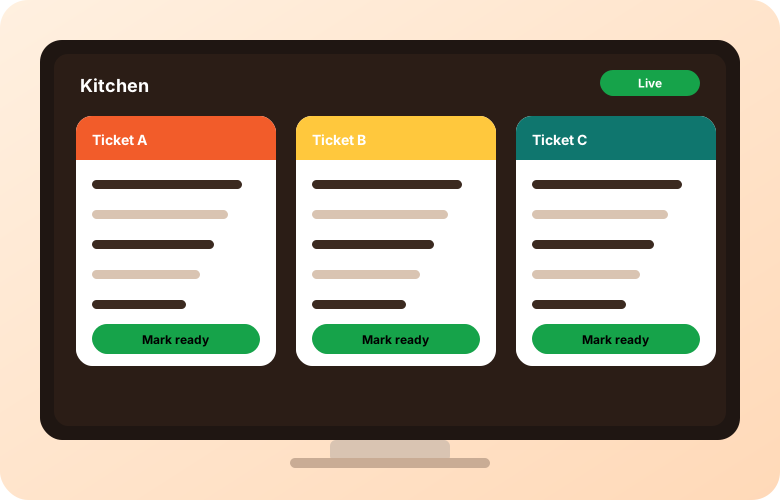
Send new orders to a kitchen printer or a screen so tickets reach the line quickly and consistently.
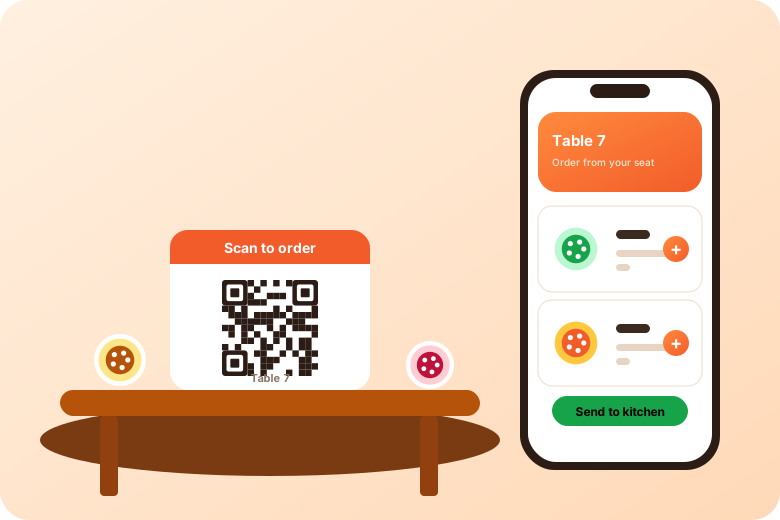
Place QR codes on tables, counters, flyers or windows so guests can open your menu and order from their own phone.
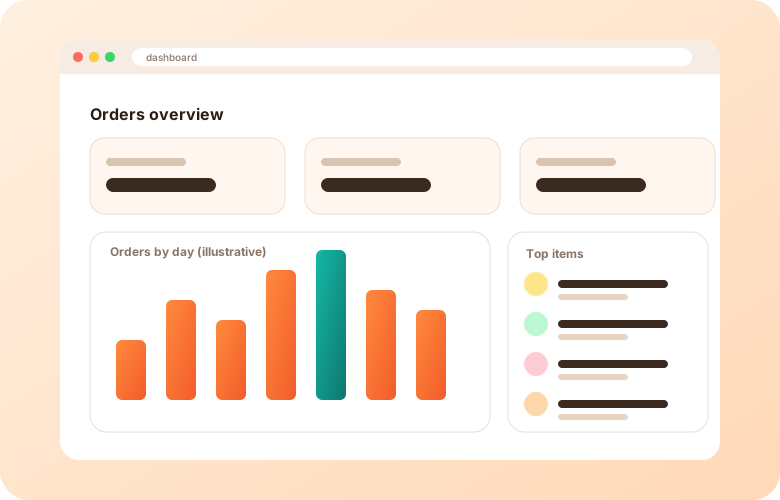
Review orders and sales activity to understand what is selling and when, so you can plan menus, staffing and promotions.
Add online ordering to your restaurant website or use a branded ordering page. Menu, cart, pickup and delivery options, and orders sent straight to your team.
Learn moreMobile-friendly restaurant ordering that works on any phone without an app download. Share a link or QR code and take pickup and delivery orders.
Learn moreQR code ordering for tables, counters, windows and flyers. Guests scan, browse your menu and order from their own phone.
Learn moreOffer pickup, delivery or both. Set delivery areas, order timing and notes so your kitchen knows what to expect.
Learn moreManage categories, items, options, add-ons, photos and availability in one place. Keep your online menu in step with your kitchen.
Learn moreCreate offers and coupon codes to encourage repeat orders and fill quieter periods. Ask us about loyalty options for your restaurant.
Learn moreSend new online orders to a kitchen printer or screen so tickets reach the line quickly and consistently. Ask about compatible setups.
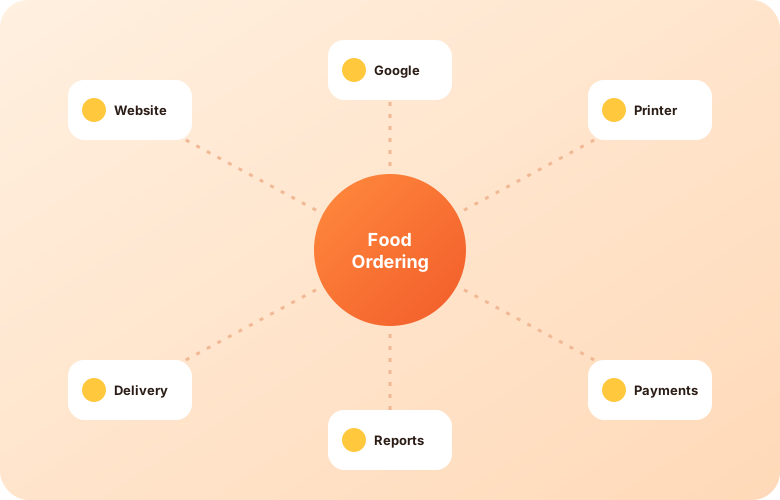
Learn moreAsk how online ordering connects to your website, printers, payments, delivery and Google listing. Questions to ask any ordering vendor.
Learn moreLet guests browse your menu and place pickup or delivery orders online, any time your kitchen is open, with orders flowing straight to your team.
Add ordering to your existing website, or give customers a mobile-friendly ordering page that works on any phone without an app download. Branded app options can be discussed on a demo.
Organize categories, items, options and add-ons in one place. Update availability and descriptions as your kitchen changes.
Offer pickup, delivery or both. Set service areas, order timing and notes so the kitchen knows what to expect.
Give guests ways to pay online or at handoff, depending on how you want to run each location. Available payment options depend on your region and setup.
Create offers and coupon codes to encourage repeat orders and fill quieter periods.
Send new orders to a kitchen printer or a screen so tickets reach the line quickly and consistently.
Place QR codes on tables, counters, flyers or windows so guests can open your menu and order from their own phone.
Review orders and sales activity to understand what is selling and when, so you can plan menus, staffing and promotions.
Review orders and sales activity to understand what is selling and when, so you can plan menus, staffing and promotions. Charts shown are illustrative.
Give guests ways to pay online or at handoff. Available payment options depend on your region and setup, and we explain them during a demo.
Tell us about your restaurants and we will walk you through the platform.
Get a demo