
Menu management
How options appear on tickets.
Send new orders to a kitchen printer or a screen so tickets reach your team quickly and look the same every time.
Capabilities and availability can vary by region and setup. We confirm exactly what applies to you during a demo.
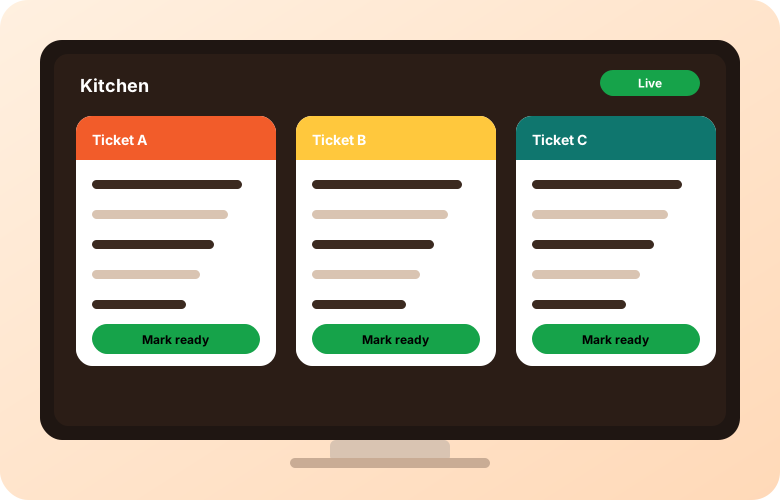
The way orders reach the line matters as much as the ordering page. Printers, screens and alerts each suit different kitchens.
Some kitchens prefer paper tickets they can place on the pass. Ask us which printers and setups are compatible with your region.
A screen shows incoming orders so the team can see what is next without handling paper.
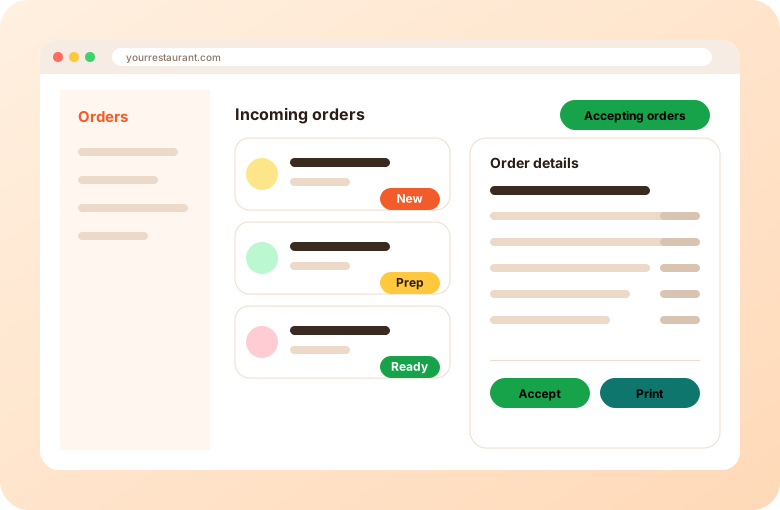
Staff can be alerted when a new order arrives so it is seen quickly.
Ask us on a demo. Compatibility depends on your region and device.
Ask for a demo to see which devices suit your kitchen.
Plan a fallback, such as a phone number to call or a backup device. We can discuss options.
How options appear on tickets.
One kitchen, many brands.
What connects to what.
Short videos from the AIOrders YouTube channel, loaded from YouTube only when you press play.
The AIOrders All-in-One Printer prints Uber Eats, SkipTheDishes and DoorDash orders plus AIOrders online, app and kiosk orders, and works with Clover and Square POS. The video covers what it prints, how it connects and setup tips.
AIOrders YouTube channel, 2026-10-02, 1:54. Watch on YouTube
Tell us about your restaurants and we will walk you through the platform.
Get a demo