Online ordering
Let guests browse your menu and place pickup or delivery orders online, any time your kitchen is open, with orders flowing straight to your team.
FoodOrderingSystem helps you take pickup and delivery orders through your own website, QR codes and mobile-friendly ordering pages, and manage menus, promotions and the kitchen in one place.
Illustrations show example layouts only.
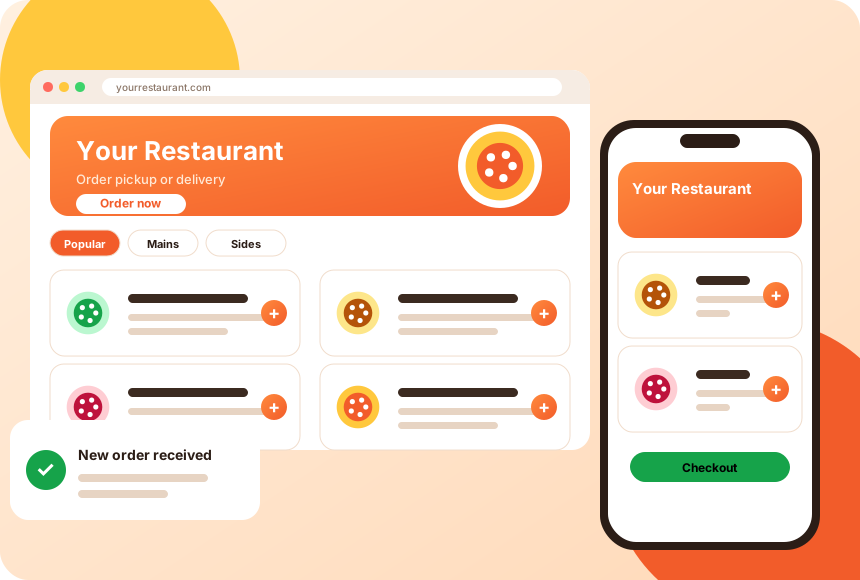
One platform for the menu guests see, the orders you receive and the offers that bring people back.
Let guests browse your menu and place pickup or delivery orders online, any time your kitchen is open, with orders flowing straight to your team.
Add ordering to your existing website, or give customers a mobile-friendly ordering page that works on any phone without an app download. Branded app options can be discussed on a demo.
Organize categories, items, options and add-ons in one place. Update availability and descriptions as your kitchen changes.
Offer pickup, delivery or both. Set service areas, order timing and notes so the kitchen knows what to expect.
Give guests ways to pay online or at handoff, depending on how you want to run each location. Available payment options depend on your region and setup.
Create offers and coupon codes to encourage repeat orders and fill quieter periods.
Original illustrations of the screens guests and staff use.
Guests browse your menu, build an order and check out on your own website or a page you share by link. Add ordering to an existing site or start with a standalone page.
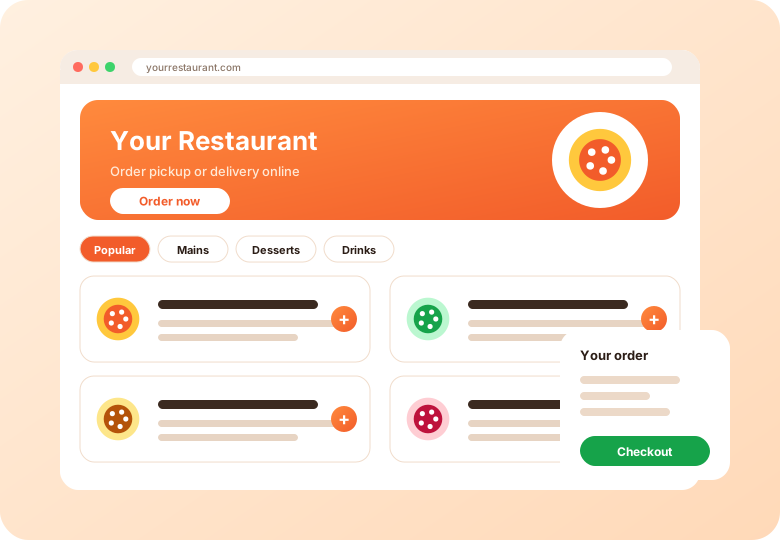
Keep categories, items, options and availability in one place. Mark an item unavailable when the kitchen runs out so guests cannot order it.
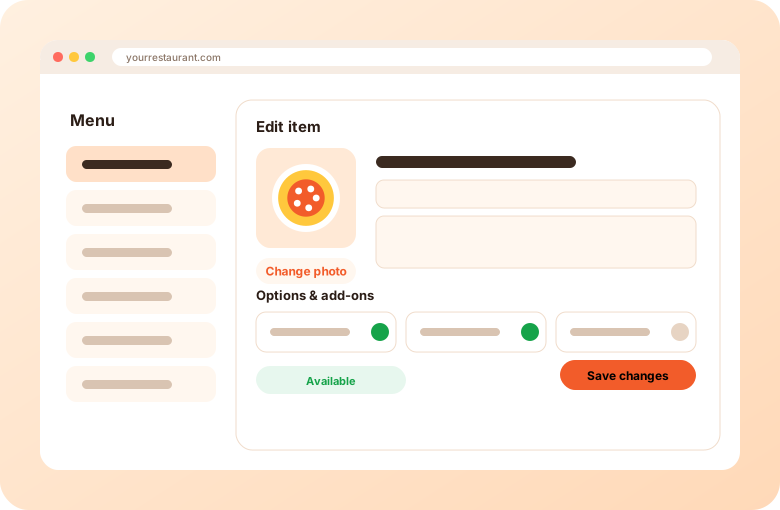
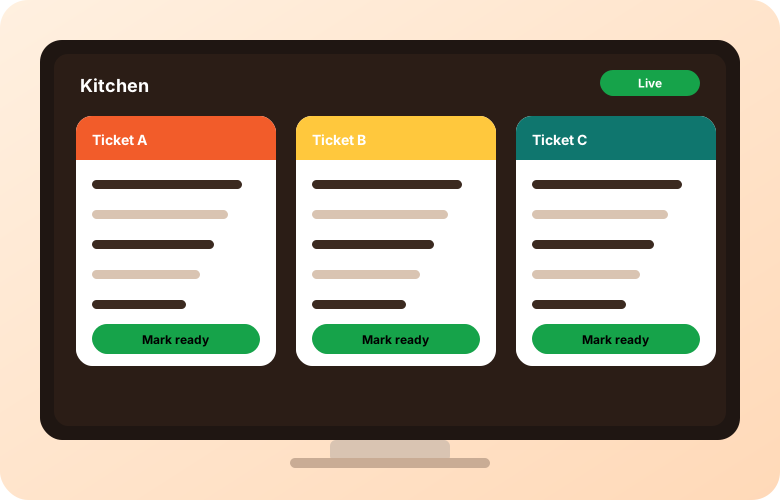
See incoming orders in your dashboard, and send tickets to a printer or a kitchen screen so the team knows what to cook next.
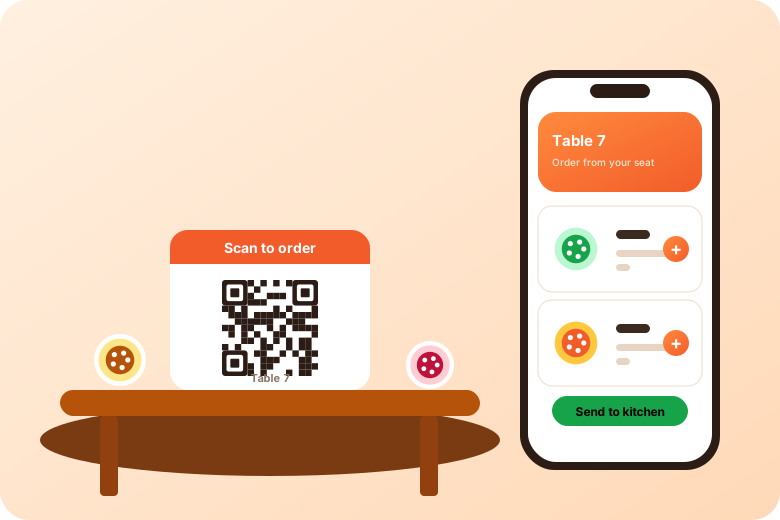
Put QR codes on tables, counters, windows and flyers so guests can open your menu and order from their own phone.
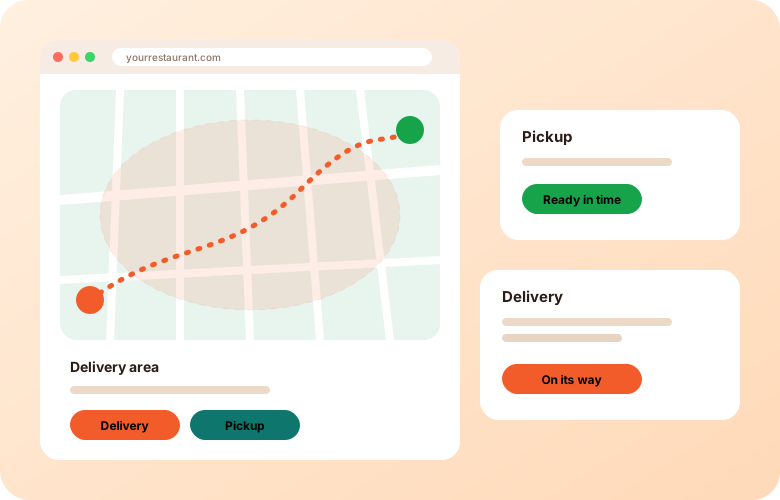
Choose the order types each location runs, with the timing, areas and notes that keep service smooth.
Give guests a simple way to order pickup or delivery directly from you, while your team keeps control of the menu, timing and…
Learn morePizza orders involve sizes, toppings, halves and combos. Set up customizable items so guests can build their order and your kitchen…
Learn moreLet regulars order ahead and skip the line. Keep a compact menu up to date and make counter pickup smooth during the morning…
Learn moreTake orders from a phone-friendly page you can share on social media, then manage a short, fast-moving menu from wherever you are…
Learn moreRun several virtual brands from one kitchen with menus for each brand and a central view of what needs to be…
Learn moreCatering orders are planned ahead. Let customers choose items and request a date and time, while your team reviews what is…
Learn more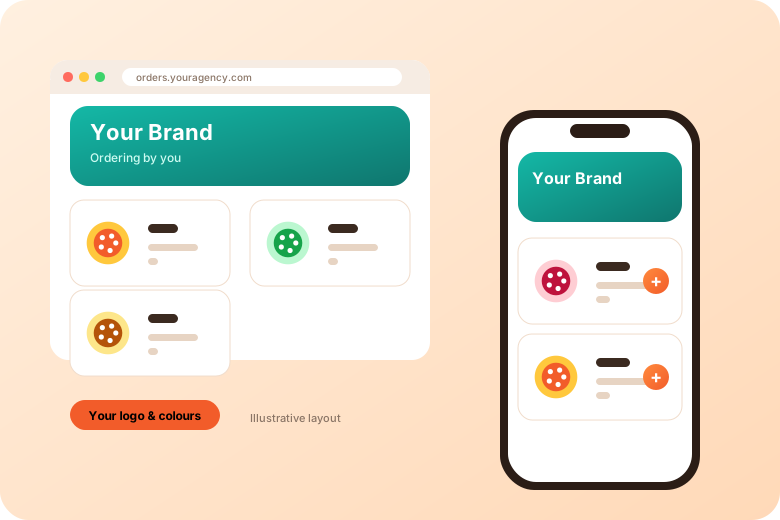
Practical, sourced guidance. No hype.
A practical guide to choosing an online ordering system: define your needs, compare order channels, payments, kitchen workflow, delivery, Google listing links, contracts and support.
Learn moreGloriaFood has announced end of life on April 30, 2027 (Oracle says March 31, 2027). Here is what the notice says, a step-by-step plan to move your online ordering, and a checklist of what to replace.
Learn moreA practical online ordering checklist for restaurants: menu, order types, payments, kitchen workflow, testing, links, promotion and ongoing maintenance, before and after launch.
Learn moreTell us about your restaurant or business. We will follow up about a walkthrough tailored to how you serve guests.
No. Ordering can be added to an existing website, or customers can use a mobile-friendly ordering page you share by link or QR code.
Yes. You can offer pickup, delivery or both depending on how each location operates.
GloriaFood has announced end of life on April 30, 2027. See our GloriaFood alternative overview and the shutdown guide for next steps.
Payment options depend on your region and setup. We will explain the options available to you during a demo.
Short videos from the AIOrders YouTube channel, loaded from YouTube only when you press play.
A walkthrough of the cost of delivery-app commissions versus selling direct, and the direct ordering, single kitchen screen, QR bag inserts and automated marketing approach from FoodSwipe and AIOrders. Figures are the video's own illustrative example.
AIOrders YouTube channel, 2026-08-06, 2:11. Watch on YouTube
A full walkthrough of the AIOrders dashboard: live metrics, orders from every channel, video menu, automated offers, catering requests, influencers, AI SEO and jobs.
AIOrders YouTube channel, 2026-08-03, 4:10. Watch on YouTube