
White label
Offer ordering under your brand.
Online ordering connects to several parts of your business. Here is what to check, and how to ask us about your own setup.
Capabilities and availability can vary by region and setup. We confirm exactly what applies to you during a demo.
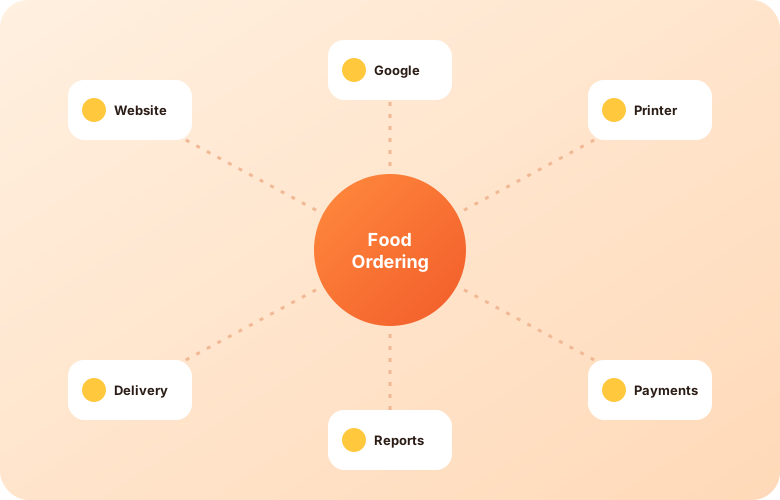
Integration claims are easy to make and hard to verify. Rather than list partners we cannot confirm here, this page tells you what to ask. Bring your list to a demo and we will tell you plainly what we can and cannot connect.
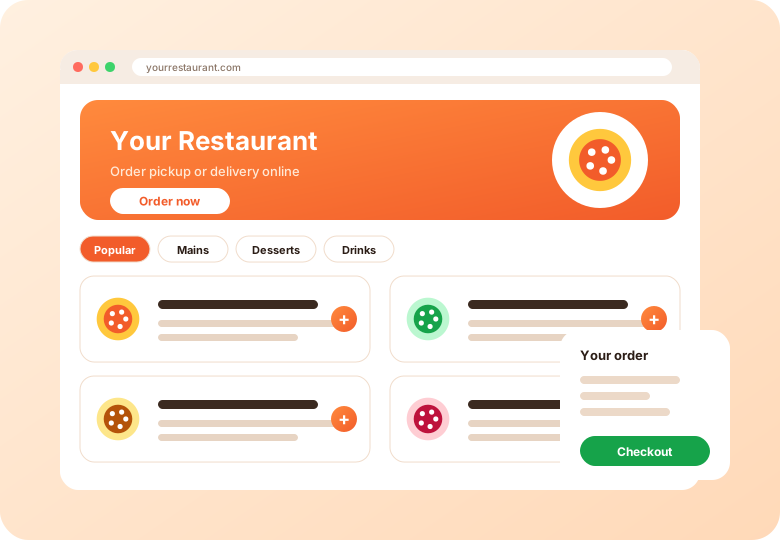
Add ordering to an existing site or use a standalone page. Tell us what your site runs on.
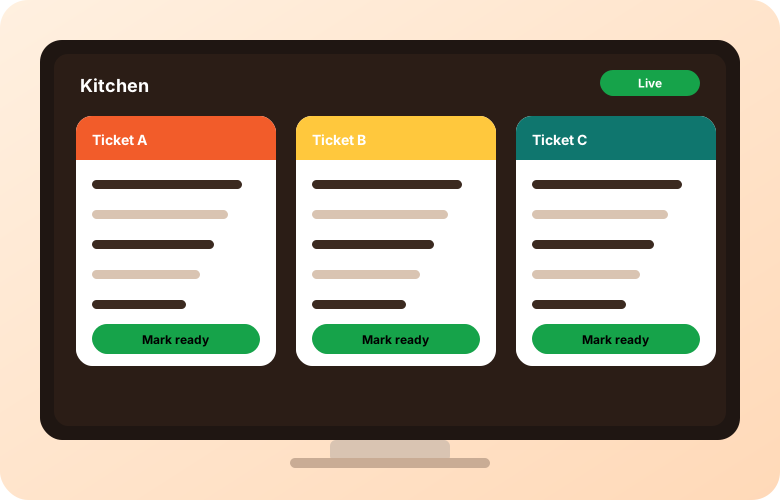
Printers and screens are the most common connection. Share the models you have or plan to buy.
Payment methods depend on your region. Delivery arrangements vary. Google Business Profile supports ordering links for eligible businesses.
Tell us which POS you use and we will say plainly what is and is not possible. We do not list integrations on this site that we cannot confirm.
Ask us on a demo, since arrangements vary by region.
Ask us on a demo about integration and API options.
Offer ordering under your brand.
Device setups.
Tell us what you use.
Short videos from the AIOrders YouTube channel, loaded from YouTube only when you press play.
The AIOrders All-in-One Printer prints Uber Eats, SkipTheDishes and DoorDash orders plus AIOrders online, app and kiosk orders, and works with Clover and Square POS. The video covers what it prints, how it connects and setup tips.
AIOrders YouTube channel, 2026-10-02, 1:54. Watch on YouTube
How to connect a Clover POS so new online orders are sent to Clover as open orders in the Orders app: create a Clover API token, find your merchant ID, then connect it in the AIOrders integrations settings.
AIOrders YouTube channel, 2026-09-25, 2:04. Watch on YouTube
How an order placed on an ordering page (pickup, delivery or dine-in) lands in Clover as a new order with items, modifiers and order type, with no separate tablet and a one-time authorization.
AIOrders YouTube channel, 2026-09-01, 0:47. Watch on YouTube
A setup tutorial for connecting Square with AIOrders.
AIOrders YouTube channel, 2026-09-29, 2:17. Watch on YouTube
Tell us about your restaurants and we will walk you through the platform.
Get a demo